How to List Your Puja on PujaSathi in 10 Minutes (Free, Step-by-Step)
A screen-by-screen guide to listing your Durga Puja, Kali Puja or any puja, mela or temple festival on PujaSathi: free, in about 10 minutes, in English, Bengali or Hindi.
Brands start planning their festival advertising months ahead. The pujas they book are the ones they can find, and that means the ones that are listed.
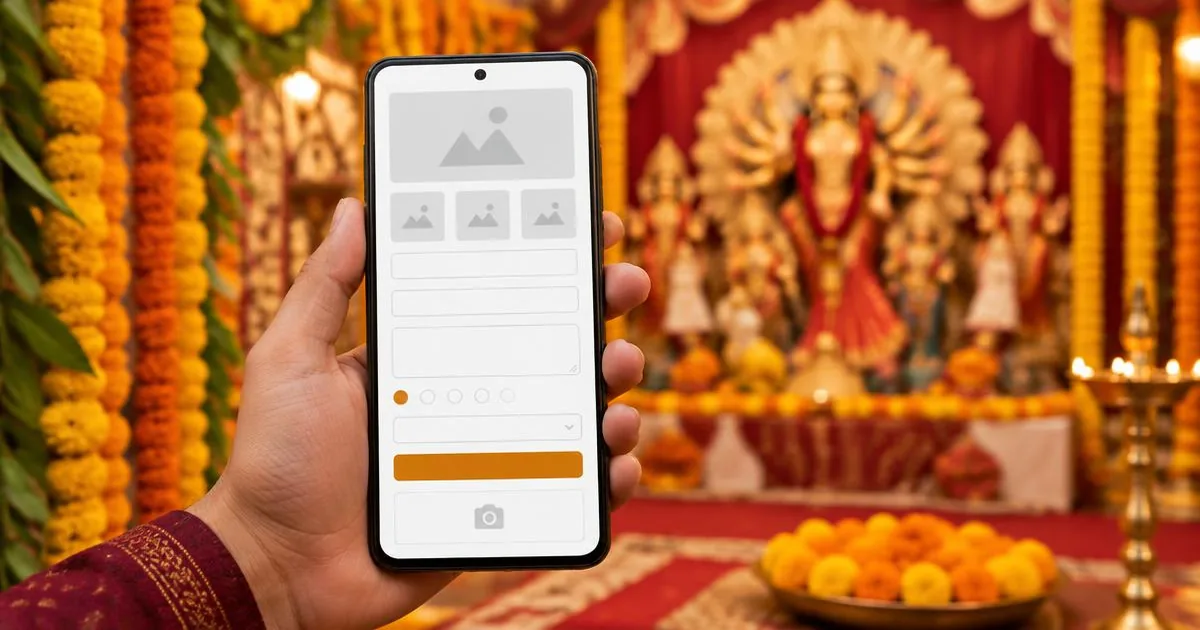
This guide shows you, screen by screen, how to put your Durga Puja, Kali Puja, or any puja, mela or temple festival on PujaSathi, so advertisers can see your ad spaces, check your photos and book you directly. It takes about ten minutes, it is completely free, and you can do it all on your phone, in English, Bengali or Hindi.
Before you start: have these ready
You don't need everything, but the more you have, the better your listing will do.
| What | Why it matters | |---|---| | Your committee's name, city and area | So advertisers in your city find you | | A phone number with WhatsApp | So sponsors and PujaSathi can reach you | | Your puja dates (Durga Puja 2027: Shashthi Tuesday 5 October to Dashami 9–10 October) | Brands book by date | | An honest footfall estimate | The first number every sponsor asks for | | 5–10 photos from previous years | Listings with photos get far more attention | | A list of your ad spaces and prices | This is what advertisers actually book |
Not sure how to estimate footfall or price your spaces? Read How Much Should You Charge for Pandal Ad Space? first. It takes five minutes and could double what you raise.
Part 1: Create your committee account (3 minutes)
Step 1: Sign up
Go to [pujasathi.com/committee/signup](/committee/signup), tap Create account, and fill in:
- Your full name
- Your committee's name, for example Ballygunge Sarbojanin Durgotsav Committee
- Your email address and a password (at least six characters)
- Your mobile number. We use it only to contact you about bookings.
- Your language: English, বাংলা or हिन्दी. The whole site switches to it.
Tick the box to accept the Terms, Privacy Policy and Community Guidelines, and tap Create account. Check your email for a confirmation link and tap it.
Tip: use an email address the committee will still have next year, such as the secretary's or a shared committee email, not one belonging to a member who might step down.
Step 2: Tell us about your committee (four short screens)
Your committee name and phone number are already filled in from the signup form.
- Your committee. Check the name, choose the type (puja committee, temple, cultural body, mela), and add the year you started and a few lines about your puja. The year you started matters: pujas running for 100 years or more get a Heritage badge.
- Where you are. Country, region, state, city and area or neighbourhood.
- How to reach you. Contact person, their role (secretary, president), phone, WhatsApp, and your Facebook or Instagram page if you have one. Add your yearly footfall here too.
- Your logo. Upload it if you have one, check the summary, and finish.
When you finish, PujaSathi takes you straight to listing your puja.
Part 2: List your puja (5–7 minutes)
You land on the listing form. (Later, you can start a new listing any time from your dashboard by tapping New festival.) Your committee is already selected, so you start at the festival details.
Step 1: Festival details
- Festival name. Make it searchable: "Ballygunge Sarbojanin Durga Puja 2027" works much better than "Our Puja".
- Country, region and listing currency. The currency is set automatically for your country.
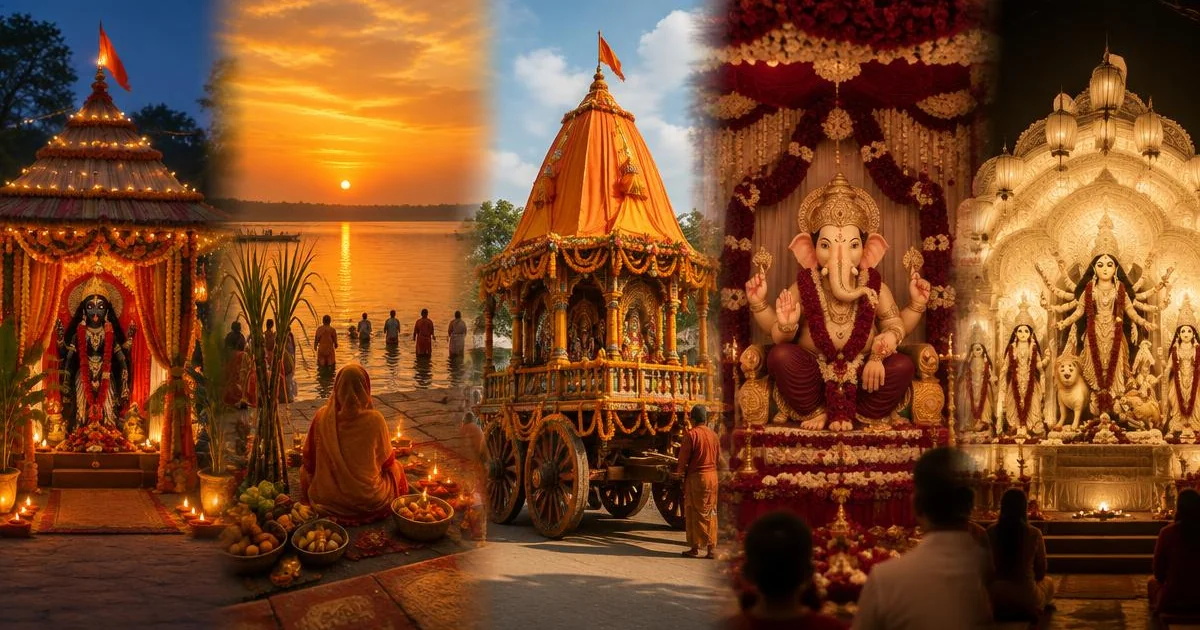
- Festival type. Durga Puja, Kali Puja, Jagaddhatri, Saraswati Puja, Ganesh Chaturthi, Navratri, Chhath, Rath Yatra and many more. If yours isn't listed, choose Other.
- City and area or venue
- Start and end dates
- Expected footfall
- Optional but powerful: theme, what makes your puja special, press coverage and awards. This is your sales pitch. A brand choosing between two similar pujas picks the one with a story.
Tap Continue. Your festival is now saved as a draft, so nothing is lost if your phone rings.
Step 2: Ad slots, the most important step
This is what advertisers book. Add one ad slot for each kind of space you are selling. For each one, choose:
- Type: see the table below
- Exclusivity: Shared (several sponsors) or Sole sponsor (only one brand). Sole should cost more.
- Size: for example 20 × 10 ft
- Position: for example main gate facing the road
- Duration: for example all five Puja days
- Quantity: how many of this space you have, for example 8 pillars
- Price: per unit, in your currency
Not sure of a size or position? Fill in what you know and save. PujaSathi fills in sensible details for anything left blank and marks it for you to check later. If a price looks unusual, our team may simply call to confirm it.
Tap Save slot & add reference photos to attach a picture of exactly where the branding goes. Then tap Add slot for the next one.
The ad-slot types you can list:
| Ad slot type | What it is | Good for | |---|---|---| | Gate / arch branding | The main entrance everyone walks under | Your top price; offer as sole sponsorship | | Secondary / lane gate | Side or approach-lane gates | Mid-price | | Title sponsorship | "[Brand] presents [Your Puja]" | Your biggest single deal | | Stage backdrop | Behind the stage and cultural programmes | Seen in every photograph | | Stage announcements | Sponsor's name read aloud each evening | Easy to sell to local shops | | Cultural programme segment | A sponsored evening or performance | Brands wanting an "event" | | Banner | Along roads and inside the pandal | Many units, lower price | | Pillar / pole | Wraps on pillars and poles | Ideal for small local sponsors | | Queue barricade panel | Panels beside the visitors' queue | Long viewing time | | Backlit board | Illuminated board | Night-time visibility | | Flex / vinyl hoarding | A large printed hoarding | Road-facing reach | | Digital LED screen | Video ads on a screen | One screen can be sold to several sponsors, each with a 10-second spot | | Stall / kiosk | A space for the sponsor's stall | Food, retail, services | | Sampling counter | A counter for product samples | FMCG, food, beverages | | Entry-pass / coupon branding | Printed on passes or coupons | Goes home with visitors | | Prasad / packet branding | Printed on prasad packets | Remembered and respected | | Prize sponsorship | Sponsor a competition or award | Community goodwill | | Directional / utility signage | "Exit", "Parking", "Toilets" signs | Seen by everyone, cheap to sell |
Tip for LED screens: list it as "LED screen – 10-second spot" and set the quantity to the number of sponsors the screen can run in turn. Five sponsors at ₹10,000 each earn more than one banner. How LED screen advertising works
Remember: on PujaSathi, the committee prints and installs the sponsor's branding, so include printing and fitting in your price. The advertiser sends only the artwork.
Step 3: Publish
Once at least one slot is saved, tap Publish now. Your puja goes live on the festivals page straight away, where advertisers can find it by city, festival type and footfall. (You can't publish with zero ad slots, because advertisers would see "No spaces available".)
Step 4: Photos and location (you can do this after publishing)
- Cover photo: your best picture of the pandal or the idol, in landscape.
- Previous years' photos: add at least three, showing the crowds, the lights, the gate, the stage, and last year's sponsor branding if you have it.
- Location: drop a pin on your pandal.
Listings with three or more photos get more bookings. A listing with a cover photo, three or more past photos and a pinned location earns the Rich listing badge and appears higher on the browse page. Our phone-camera guide to photographing your pandal shows what brands want to see.
What you do NOT need to list
- No fee. Listing is free. PujaSathi earns only when you get a booking.
- No KYC documents to list. You can list and receive bookings straight away. Documents are only needed before money is released to you. If you complete KYC and are approved, you can receive 50% of each booking before the festival (how payouts work).
- No agency or middleman. Brands book you directly.
What happens after you publish
- Advertisers browse your listing and see your photos, spaces, prices and availability.
- You get a booking. You are notified, and the booking appears on your dashboard.
- The advertiser uploads artwork. You print it and install it before the puja starts.
- You upload proof: at least three photographs of the branding in place, within 48 hours of the festival ending. See the Proof of Display Standard.
- You get paid within five days of verified proof, or half in advance if your KYC is approved.
Three things that make brands choose your puja
- Photos. A listing without photos is almost never booked.
- Several ad slots, not one. Give advertisers a choice: a gate, a stage, pillars, an LED screen, a stall. More choice means more bookings.
- Honest footfall. Brands compare pujas. An accurate number that proves true brings them back next year.
List every festival you celebrate
One account covers every festival your club or committee runs. List each one separately: Durga Puja, Lakshmi Puja, Kali Puja, Jagaddhatri, Saraswati Puja, Dol, Poila Boishakh, Rath Yatra, Vishwakarma Puja, and even sports tournaments or cultural fests (choose Other). Every listing brings more brands to you. See which festivals brands book, and when: Festival Advertising Opportunities 2026–27.
Common problems and quick fixes
"My festival type isn't in the list." Choose Other and write the name in the festival title.
"My puja shows 'No spaces available'." Your festival has no ad slots yet. Open it from your dashboard, add slots, and they appear immediately.
"I left halfway through." Your festival is saved as a draft. Open it from your dashboard and carry on.
"The price I entered looks wrong." You can edit any slot at any time from your dashboard.
Still stuck? Call or WhatsApp +91 92462 36969, or email contact@pujasathi.com with your committee name. A person will help you finish, or list it for you over the phone.
Frequently asked questions
How do I list my Durga Puja online for sponsorship?
Create a free committee account on PujaSathi, add your committee details, then add your festival dates and ad slots with prices, and tap Publish now. Photos can be added afterwards. It takes about ten minutes.
Is listing on PujaSathi free?
Yes. There is no listing fee. PujaSathi earns only when a booking is made.
Do I need documents or KYC to list my puja?
No. You can list and take bookings without KYC. Documents are needed only before payment is released, and approved KYC lets you receive 50% in advance.
When should I list Durga Puja 2027?
Now. Durga Puja 2027 starts on Tuesday 5 October, and brands book between June and August. The pujas already listed when they start looking are the ones that get booked. Durga Puja 2027 dates and booking plan
Can I list in Bengali or Hindi?
Yes. Choose বাংলা or हिन्दी when you sign up, or switch language at any time from the top of the page.
Can overseas committees list their Durga Puja?
Yes. Committees in the UK, USA, Canada, Australia, the Gulf and elsewhere can list in their own currency. See our guide for overseas committees.
Who prints and installs the sponsor's banner?
The committee does. The advertiser sends the artwork; you print, install and photograph it.
How quickly will advertisers see my listing?
As soon as you publish. Your puja appears on the browse page straight away.
Your sponsors are already planning
Brands are choosing where to spend for Kali Puja now, and for Durga Puja 2027 from June. Be where they are looking.
[List your puja free on PujaSathi →](/committee/signup)
Already have an account? [Go to your dashboard →](/dashboard)
Related: [Advertising Opportunities in Puja: 15 Spaces Brands Buy](/blog/advertising-opportunities-in-puja-pandals) · [Durga Puja Sponsorship Proposal Template](/blog/durga-puja-sponsorship-proposal-template) · [How to Get Sponsorship for Your Durga Puja](/blog/how-to-get-sponsorship-for-durga-puja)